Meeting time is not idle time: measuring remote teams honestly
Keyboard-and-mouse idle logic punishes the people who spend their day on calls. What meeting detection changes, what it does not, and what to report instead of an activity score.
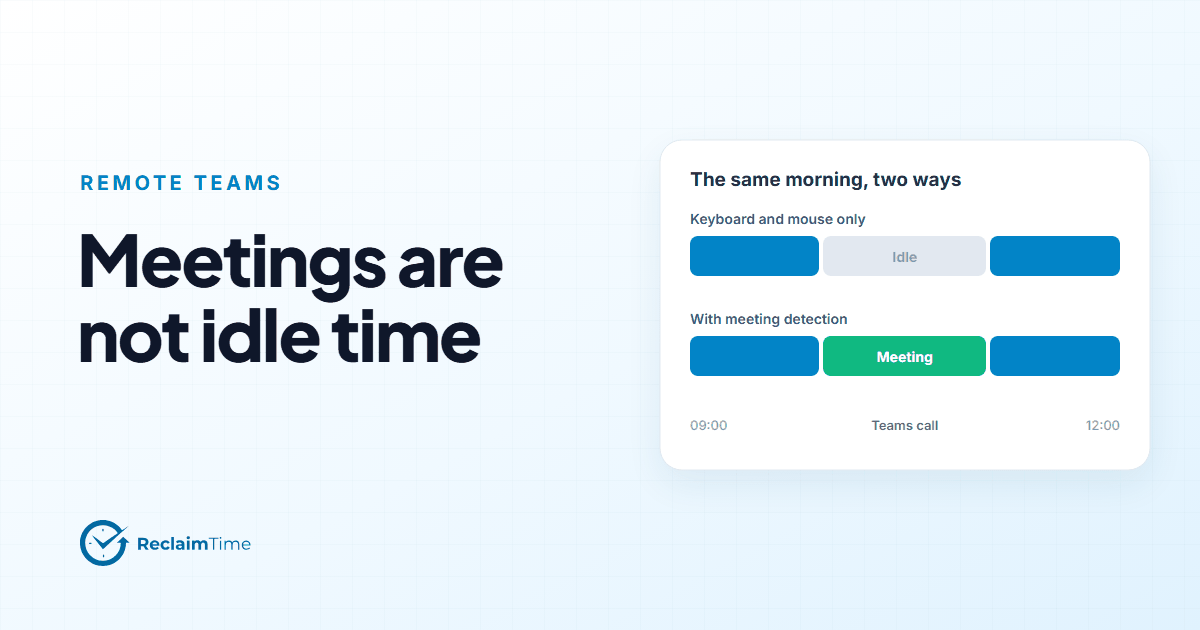
The oldest trick in employee monitoring is the activity score: the share of the day with keyboard or mouse input. It is cheap to compute, easy to chart, and wrong for a growing share of the workforce. A person on a forty-minute customer call, listening, with their hands still, scores the same as a person who went for a walk. A team lead who spends six hours a day in Teams is, by this measure, barely working.
Remote and hybrid teams made this worse, because meetings replaced the walk to someone's desk, and because the activity score became the thing managers looked at when they could not see the office. I have watched good people get a bad month on a chart because their role changed to one with more calls.
This post is about what to measure instead, and about the limits of the fix.
What meeting detection actually does
ReclaimTime's client detects calls in Microsoft Teams and Skype and records the duration as meeting time, as its own field on the session row. A session in Teams during a call gets focused time, visible time, typing time and meeting time, so the dashboard can show a day as "four hours in meetings, three hours of focused work in the CRM, one hour in email" rather than "five hours active, three hours idle."
Two things follow.
First, a quiet keyboard during a call is not counted as inactivity. The idle logic knows a meeting is in progress and does not cut the session short because nobody typed. This is the specific unfairness that activity scores create, and it is the one meeting detection removes.
Second, the meeting time is visible as a category. A supervisor can see that one team's meeting load is twice another's and ask why, which is a far more useful conversation than "why is your activity score low."
What it does not do, and you should know this before you buy
It covers Teams and Skype. It does not currently detect calls in Zoom, Google Meet, Webex or a softphone, and I would rather say that here than have you discover it in the data. For a contact center where the calls run through a telephony client, the telephony client is on the corporate list and its time is recorded as work; the meeting flag is for the internal calls on top.
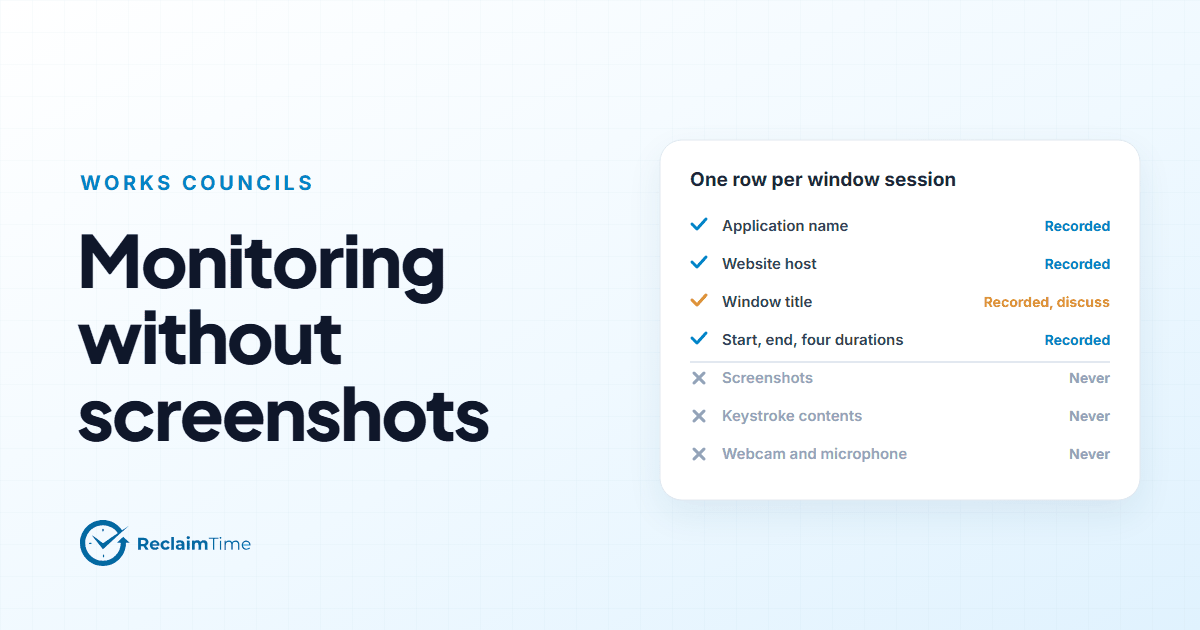
It detects that a meeting is happening. It does not read, record or transcribe anything in it. The client has no access to the audio, the chat or the shared screen. That is a design boundary, not a setting.
It is a duration, not a judgment. Six hours of meetings might be the job (a team lead) or a problem (an engineer). The data cannot tell you which, and a tool that claims to is guessing.
The honest set of numbers for a remote team
If not an activity score, then what? For a remote team I would put four numbers on the page, all at team level, all inside working hours.
Focused time in corporate applications. Time with a work tool in the foreground and the person using it. This is the closest thing to "work got done" that screen data can offer, and it is fair because it only counts the tools that are the job.
Meeting time. As above. Trend it. A team whose meeting time climbs while its focused time falls is a team whose calendar is eating its work, and that is a management problem, not an individual one.
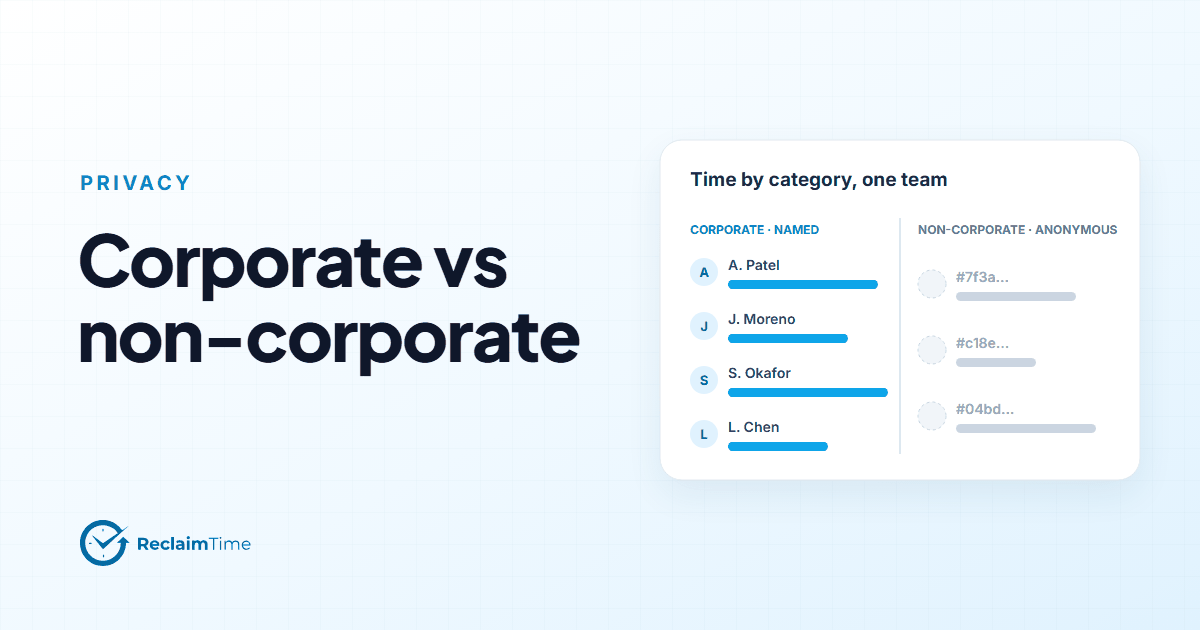
Non-corporate time, anonymous, as a share. Counted for the team, not attributed to anyone. If it moves, something changed: a tool, a schedule, a manager. Treat it as a signal about the environment.
Active people per day. How many of the team showed up in the data at all. A remote team where this drifts down on Fridays is telling you about Fridays.
That is four numbers. None of them is a score, none of them ranks people, and all of them can be explained to the team in a sentence.
The report that replaces the activity chart
Here is the weekly view I would give a remote team lead instead of the activity heat map.
- The team's time distribution across its top ten applications, with meeting time as its own bar. Last week beside the week before.
- Meeting time per group, if the team has sub-groups, so that an unusually heavy week shows up.
- The anonymous non-corporate share, as one number and a four-week trend.
- The count of people active each day.
Each of those answers a question a team lead actually has. None of them answers "who is slacking," because that question is not what the data is for, and because a team lead who has to ask it already knows the answer and should have the conversation directly.
A note on idle time generally
Meeting detection fixes the worst case of idle logic, but idle logic itself deserves a paragraph.
Every desktop agent has to decide when a person has stopped. Keyboard and mouse input is the only signal available, so a session ends after some period without input, and the end is set back to the last real activity so that the idle period does not stretch the row. ReclaimTime does this with a short cutoff and extends it when a meeting is detected.
The thing to understand is that this means reading, thinking and talking to a colleague in the room all look like inactivity to any such tool. Focused time is therefore a floor, not a measurement of effort. A person who spent an hour reading a long document shows an hour of visible time in the PDF viewer and very little focused time, and that is correct behavior from the tool and incomplete information about the hour.
Any report built on this data should say so, out loud, in the training for the people who read it. The data describes the screen. The person is more than the screen.
The field definitions, including how meeting time and the idle cutoff work, are on the how tracking works page in our documentation.
See this on your own teams
Start with a pilot group and see the first team reports within a week. A reply comes within one business day.