The security questionnaire for workforce analytics software: 24 questions to ask any vendor
A neutral checklist for IT and security teams assessing an employee activity tool, with ReclaimTime's own answers alongside, including the ones that are 'no' or 'per customer'.
Workforce analytics tools sit in an awkward place for a security team. They run on every endpoint, they talk to the internet constantly, and they exist to collect data about people. A generic SaaS questionnaire misses most of what matters about them, and the vendor's security page usually leads with a certification logo rather than the field list.
Below are the twenty-four questions I would ask, grouped the way an assessment is usually run. Under each one is ReclaimTime's answer, including the places where the answer is "not yet," "no," or "we tell you individually." If you are assessing another product, use the questions and ignore the answers.
Data collected
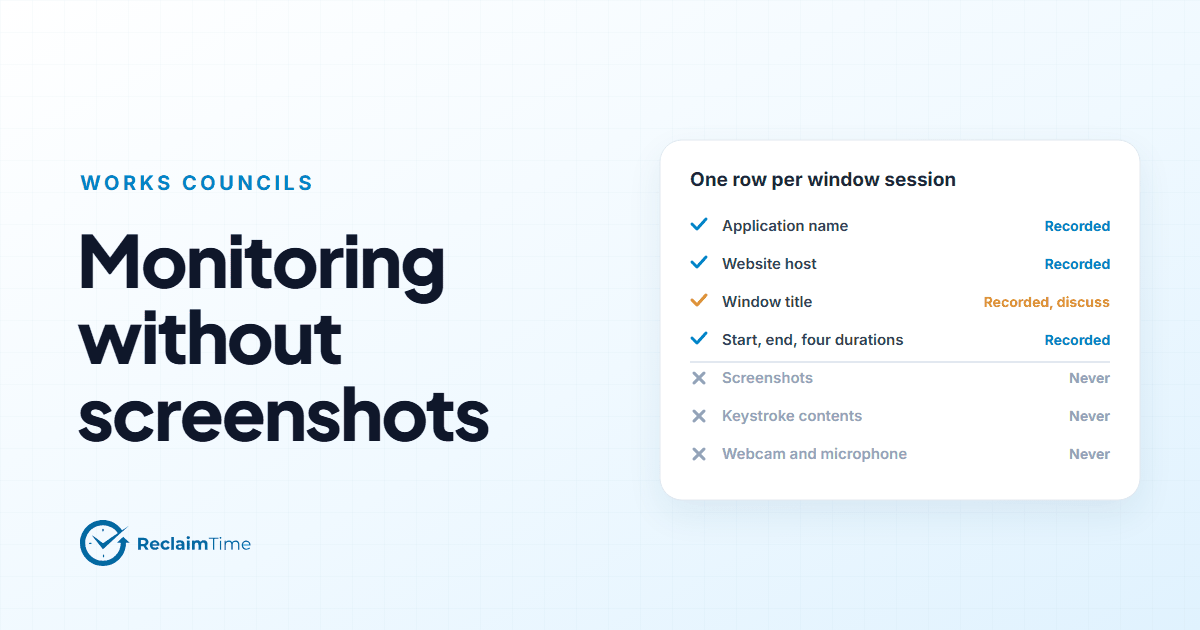
1. What fields does the agent record, exactly? Application name, website host, window title, start and end time, and four durations (focused, visible, typing, meeting). An account reference or an anonymous identifier. A machine record with OS, make and model, and computer name. The complete list with notes is on the data collected page. Ask every vendor for this as a table, not a paragraph.
2. Does it capture screenshots, screen video, keystrokes, clipboard, camera or microphone? No, to all of them, and none can be enabled by a setting. Typing is recorded as a number of seconds, never as content.
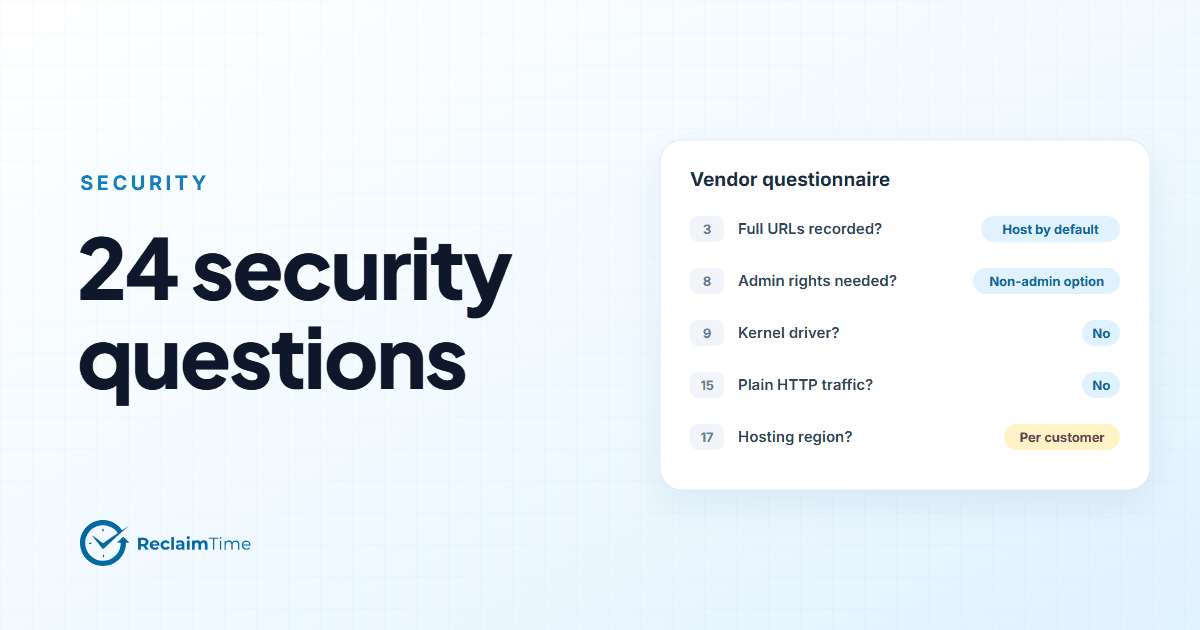
3. Does it record full URLs? Only when switched on for an organization at its own request. The default is the host only.
4. Does it read file contents, email, chat or call contents? No. It can detect that a meeting is in progress in Teams or Skype; it has no access to what is said or shared.
5. Can recording be limited to working hours, and who sets them? Yes. Working hours are configured per organization and can be overridden per person by an administrator. Nothing is recorded outside them.
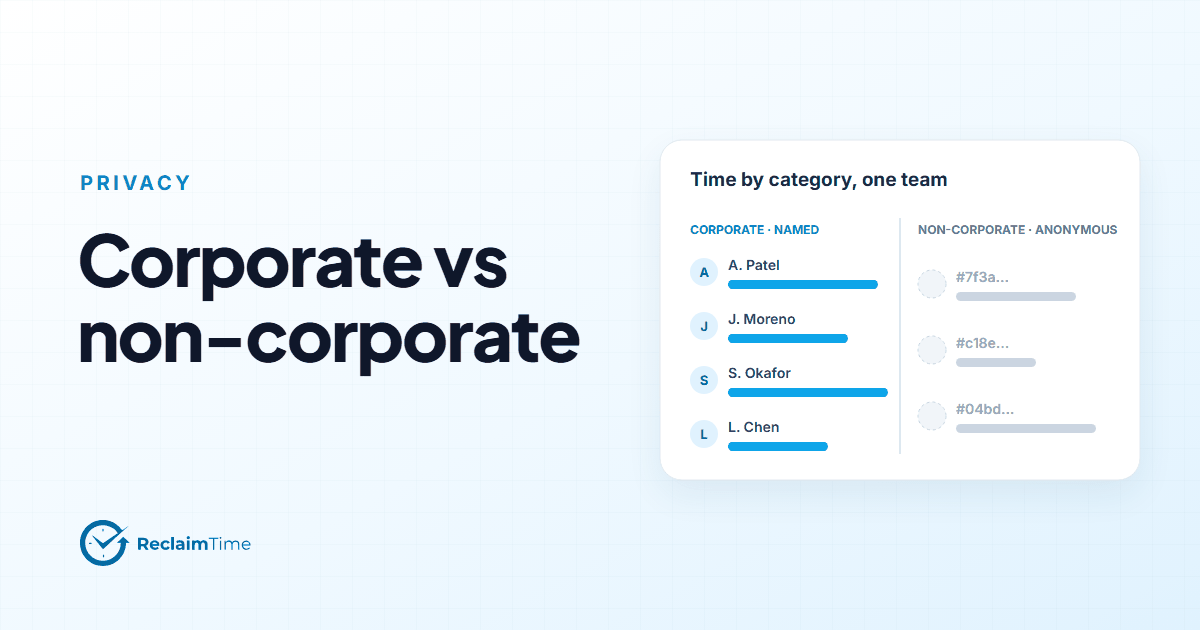
6. Can non-work activity be anonymized? Yes. With a corporate list in place, time in listed applications and sites is recorded under the person's name and everything else against a random identifier. The decision is made on the machine before upload, so the identifiable version is never created.
Endpoint
7. What are the OS requirements? Windows 10 or later, 64-bit. No ARM64 build. A macOS build is available for organizations that need one. No mobile client.
8. Does the agent need local administrator rights? The standard installer does; it installs background components that keep the client running. A non-admin installer exists that needs no elevation.
9. Does the agent install a kernel driver or hide itself? No kernel driver. It does not hide from Task Manager. In locked mode it has no window, which is a user-experience choice rather than concealment.
10. Is the installer signed? Yes, Authenticode with a timestamp, as FocusMe (Reclaim Time Ltd). Details on the code signing page.
11. Can it be deployed and updated silently? Yes. Standard NSIS silent switch for SCCM, Intune or logon scripts. Updates are fetched from a version file over HTTPS and installed without user action. Dedicated update channels are available for organizations that want to control the cadence.
12. Can it be uninstalled by a user? On a standard install, an uninstall password can be set for the organization. On a non-admin install, the user can remove it. Tracking can also be switched off for an account without uninstalling.
Network
13. Which hosts and ports does the agent need? Outbound HTTPS on port 443 to the backend, to reclaimtime.com for version checks, and to the download host for installers. The list is on the domains and URLs page.
14. Does anything listen for inbound connections on the endpoint? No. Every connection is outbound from the component that starts it. No fixed source IP is required.
15. Is any traffic sent in plain HTTP? No. The client, the installers and the version files all use HTTPS.
16. What happens offline? Activity is held in a local database on the machine and uploaded when the connection returns. Nothing is sent anywhere else.
Backend and hosting
17. Where is data hosted, and in which region? Answered per organization in writing. Larger customers are given a dedicated backend application with its own credentials. We do not publish provider and region details on the website because the answer depends on which backend your organization is on.
18. Is data encrypted at rest? What are the backup arrangements? Answered per organization in writing, as part of the security review, together with the hosting detail.
19. Who are the sub-processors? Provided on request, and the DPA commits us to notifying changes so that the controller can object.
20. Is activity data sent to any third party for analytics, advertising or model training? No.
21. How are tenants separated? Every dashboard query is scoped by the signed-in user's role and organization. Larger customers get a separate backend application rather than a separate set of rows.
Access and accountability
22. How do administrators authenticate? Email address and password set by an administrator, with a forced change on first sign-in available. Dashboard single sign-on against a customer identity provider is on the roadmap and is not built today. Say so if it is a hard requirement.
23. Is there an access log? Dashboard sign-ins are logged and visible on the profile page. A full audit log of administrator actions is on the roadmap and not available today.
24. What is the retention period and how is deletion done? Agreed per organization and confirmed in writing. Not yet enforced automatically in the product: a retention policy with a deletion job is scheduled for December 2026. Ask for the commitment rather than assuming a default. The DPA covers deletion or return at the end of the contract.
How to read a vendor's answers
Three patterns are worth noticing in any vendor's responses.
"Available but disabled" on questions 2 to 4. That means the capability exists and the privacy of your people rests on a configuration. A capability that does not exist cannot be turned on by a future administrator or a support engineer.
A certification in place of an answer. A SOC 2 report describes the vendor's controls; it does not tell you whether the agent records keystrokes. Ask the question anyway.
Vagueness on question 17. "Hosted on a leading cloud provider" is not an answer. The honest answers are either a specific region or "we tell each customer individually," and both are fine as long as the written answer arrives before you sign.
Our security and privacy page has the field lists in a form that can go straight into a review, and a signed DPA and written answers to questions 17 to 19 and 24 are available from support@reclaimtime.com. Ask in week one.
See this on your own teams
Start with a pilot group and see the first team reports within a week. A reply comes within one business day.