Window titles: the one field that deserves a privacy conversation
Of everything an activity tool records, the window title is the only field that can carry free text out of an application. Here is what it is good for, what it can leak, and how to decide.
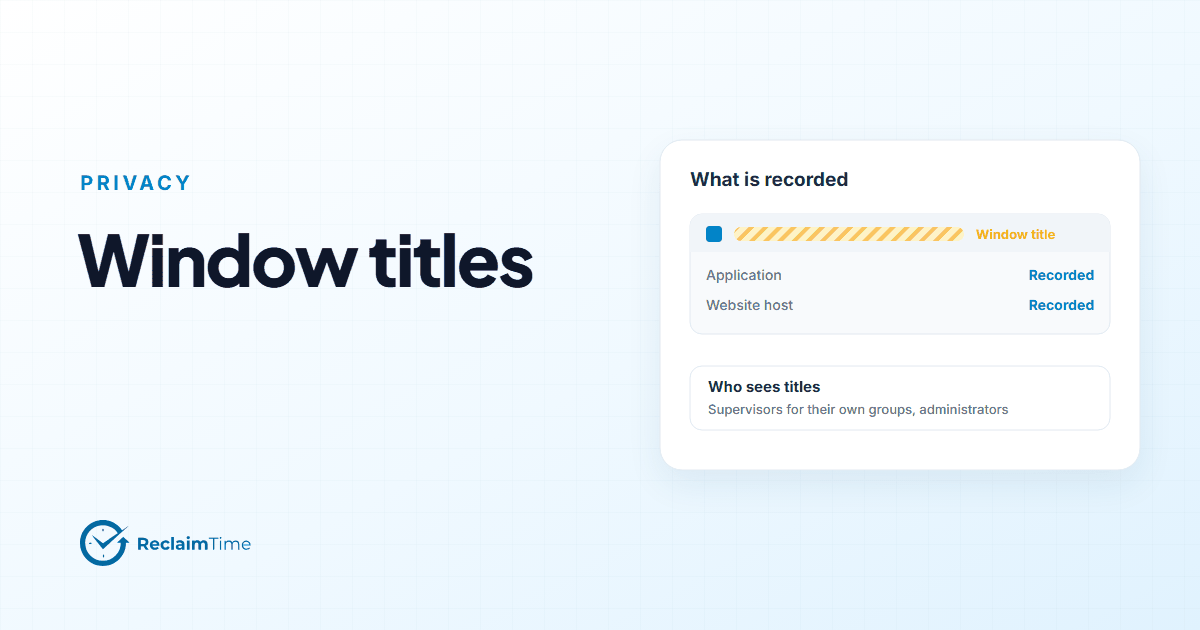
When a security team or a works council reviews the field list for an activity tool, most of the fields are easy. Application name: fine. Website host: fine. Durations: fine. Then they reach "window title" and the room goes quiet, correctly. This post is the conversation I would want to have at that moment, written down.
What a window title is
It is the text in the title bar. For a browser it is usually the page title. For a document it is usually the file name. For an email client it is often the subject of the open message. For a CRM it might be the customer's name or the ticket number.
That range is the whole issue. "Inbox" is harmless. "Sales report Q3.xlsx" is mildly informative. "Re: grievance - J. Smith" is personal data about a third party, and the person whose screen it was did nothing wrong by having it open.
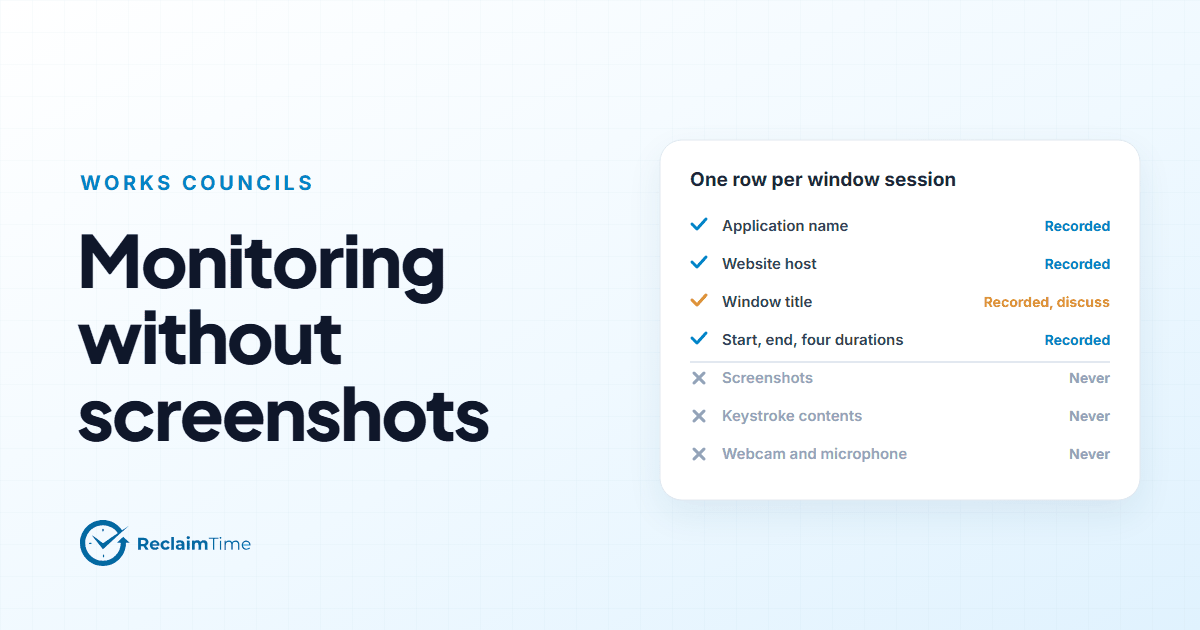
ReclaimTime records window titles. I would rather say that in the second paragraph than have you find it in the field list, and I would rather explain why than pretend it is the same as the other fields.
What titles are good for
Application names tell you where time went. Titles tell you what it went into, at a level of detail that turns a report from a chart into an explanation.
The practical uses are concrete:
Separating workloads inside one application. A team spends six hours a day in the browser. With hosts only, you know it was the CRM's web client and a knowledge base. With titles, you can see that two of those hours were a single long-running report page, which is a tooling issue with a name.
Spotting the unofficial process. The spreadsheet that every agent keeps because the CRM search is slow (an example I keep coming back to because it keeps coming up) is visible as a spreadsheet application. Its title, "product lookup.xlsx," is what tells the supervisor what it is for.
Supporting the person's own review. Where organizations let people see their own data, titles are what make it recognizable. "Three hours in Word" means little. "Three hours in the proposal document" is something a person can reflect on.
Without titles, an activity report is still useful at team level and still fair. It is just less explanatory. Some organizations decide that is a reasonable trade.
What titles can leak
Titles can carry:
- names of customers, patients, colleagues or candidates (CRM records, HR systems, email subjects);
- document names that reveal a project, a deal or a restructuring;
- search queries, when a search page puts the query in the title;
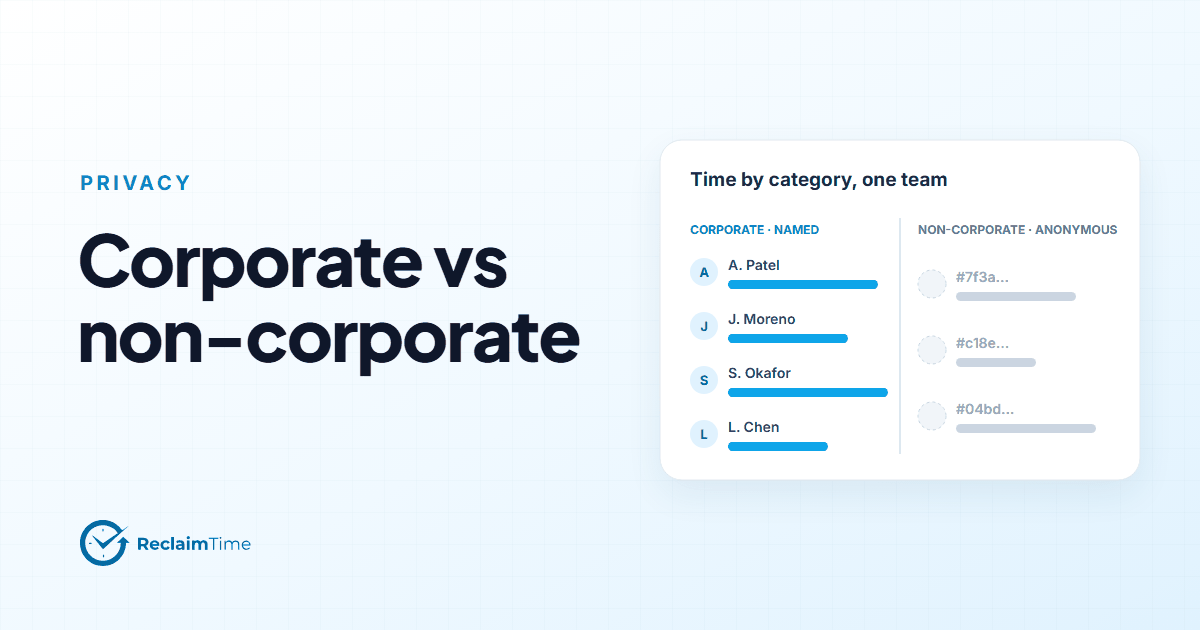
- personal matters, when someone opens a personal account on a work machine during working hours (outside working hours nothing is recorded, but inside them a personal tab in the corporate browser is in the data if the host is on the corporate list, or anonymized at group level if it is not).
That last case is worth dwelling on, because the corporate list helps more than people expect. A personal site is not on the corporate list, so its row, title included, is anonymized before upload and counted at group level only. The title is still in the row, but the row cannot be traced to a person. The exposure is a title with no name attached, which is close to nothing. The real exposure is the opposite case: a title inside a corporate application that names a third party.
The options, in order of intrusiveness
A reviewer wants to know what can be done about it. From least to most:
-
Record titles and rely on access control. Titles are visible only to supervisors for their own groups and to administrators. This is the default and it is a reasonable position for an organization whose corporate tools do not routinely put names in title bars.
-
Record titles, keep the detail period short. Titles are most useful in the first weeks after a change, when the question is "what is the new tool doing to the day." After that, the application name carries most of the value. If the retention arrangement keeps row-level data for a limited period and rollups without titles beyond it, the exposure is bounded in time.
-
Record titles, with the corporate list doing the work. Keep systems that put personal data in titles off the corporate list, so their rows are anonymized. This is blunt (the time in those systems is no longer attributed to anyone) but it is honest and it is available today.
-
Do not record titles. This is a request to make to the vendor before signing. Ask whether it is possible, and get the answer in writing.
What I would not do is pretend the field is harmless. A reviewer who has read a title bar knows it is not.
How to run the conversation
Bring three things.
A sample. Ten real titles from your own corporate applications, chosen by the team that uses them, with the names changed. Reviewers reason better from "Re: refund - account 48213" than from the abstract.
The access model. Who sees titles: supervisors for their own groups, administrators for the organization, nobody else. The access log of dashboard sign-ins is the evidence that this is enforced.
The decision you are asking for. Option 1, 2, 3 or 4 above. Councils and DPOs respond well to being asked to choose among concrete options and badly to being asked to approve a capability in the abstract.
Our data collected page carries the same warning about titles in the field table, in the vendor's own voice, so you do not have to be the one to raise it.
See this on your own teams
Start with a pilot group and see the first team reports within a week. A reply comes within one business day.